

If you are working out how to choose a sit-stand desk for a Dubai office, the short answer is to match the desk’s height range to the people who will use it, check that it stays stable at full height, and plan the chair and cables around it. Get those three things right and the desk will actually be used. Get them wrong and it ends up parked at one height like any ordinary table.
This guide explains how sit-stand desks work, what to check before you buy, how to set up the workstation around the desk and how to use it without overdoing it.
How to Choose a Sit-Stand Desk: Quick Answer
In short, a good sit-stand desk should meet these five checks:
- Height range: it reaches both your seated and standing elbow heights.
- Stability: the top stays steady at full extension.
- Memory presets: it recalls your preferred heights at the touch of a button.
- Surface space: there is enough depth and width for your screens.
- Matching chair: a properly adjusted chair, because most of the day is still spent seated.
The aim is to change posture regularly, not to stand for as long as possible. In practice, how to choose a sit-stand desk comes down to three checks: height range, stability and the space around the desk. Pair it with a good seating choice from our office chairs range and a workstation from the office workstation collection.
Occupational health bodies describe the benefit in the same terms. The Canadian Centre for Occupational Health and Safety explains in its guidance on sit/stand desks that the desk lets the user alternate between sitting and standing by lowering or raising the work platform. The value is in the alternating. A person who stands rigidly for six hours has simply swapped one fixed posture for another.
How a Sit-Stand Desk Works
Every sit-stand desk has a worktop and an adjustable frame. What differs is how the frame moves.
- Electric frames use one or more motors and a control panel. You press a button or choose a saved height, and the top moves smoothly. This is the usual choice for offices because it takes seconds, so people actually use it.
- Manual or crank frames rely on a handle. They avoid the need for power at the desk but are slower, which tends to reduce how often the desk is adjusted.
- Desktop risers sit on top of an existing desk and lift the keyboard and screen. They are a lower-cost way to try the idea, though they give you less working surface and less stability.
For shared offices and permanent workstations, an electric frame on a full desk is the format most teams end up wanting. You can see the range in Furnicraft’s height adjustable desk collection.
Who Benefits Most from a Sit-Stand Desk
Not every role needs a sit-stand desk. If you are unsure how to choose a sit-stand desk for a mixed team, start with the shortest and the tallest user. Our staff desks, manager desks and executive desks can all be paired with a height adjustable frame, depending on the room. Read how a desk differs from a workstation before you decide. It makes the most sense where people sit at a screen for most of the day and where the desk is used by one person or shared by people of different heights.
| Situation | Why a sit-stand desk helps | What to check |
|---|---|---|
| Full-day screen work (finance, design, support, development) | Easy posture changes without leaving the workstation | Monitor arm or stand that adjusts with the desk |
| Shared or hot desks | One desk fits people of different heights | Memory presets for several users |
| Managers and executives | Flexible between calls, reading and standing meetings | Desk size and finish that suit a private office |
| Reception and front-office roles | Standing to greet visitors, sitting for admin work | Front panel, cable routing and clearance for the legs |
| Teams with limited floor space | One footprint serves two postures | Space to extend the desk and move the chair |
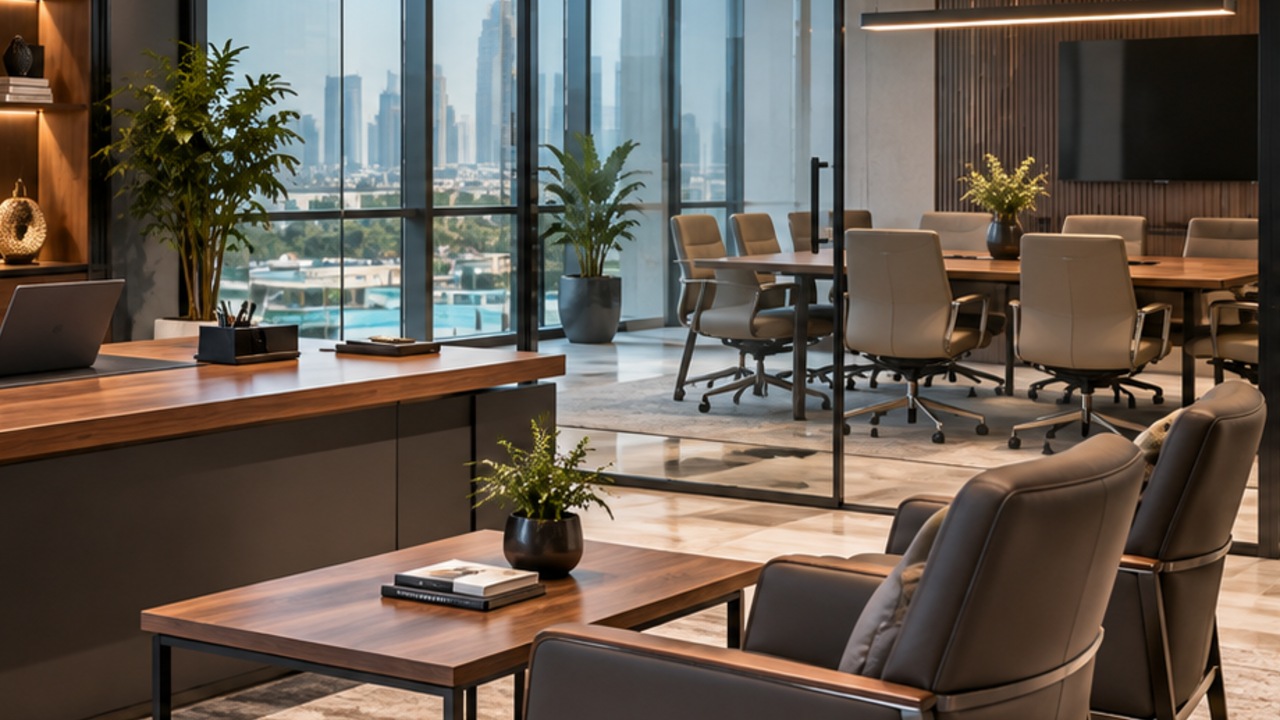
How to Choose a Sit-Stand Desk for Your Office
These five checks show how to choose a sit-stand desk without paying for features you will not use.
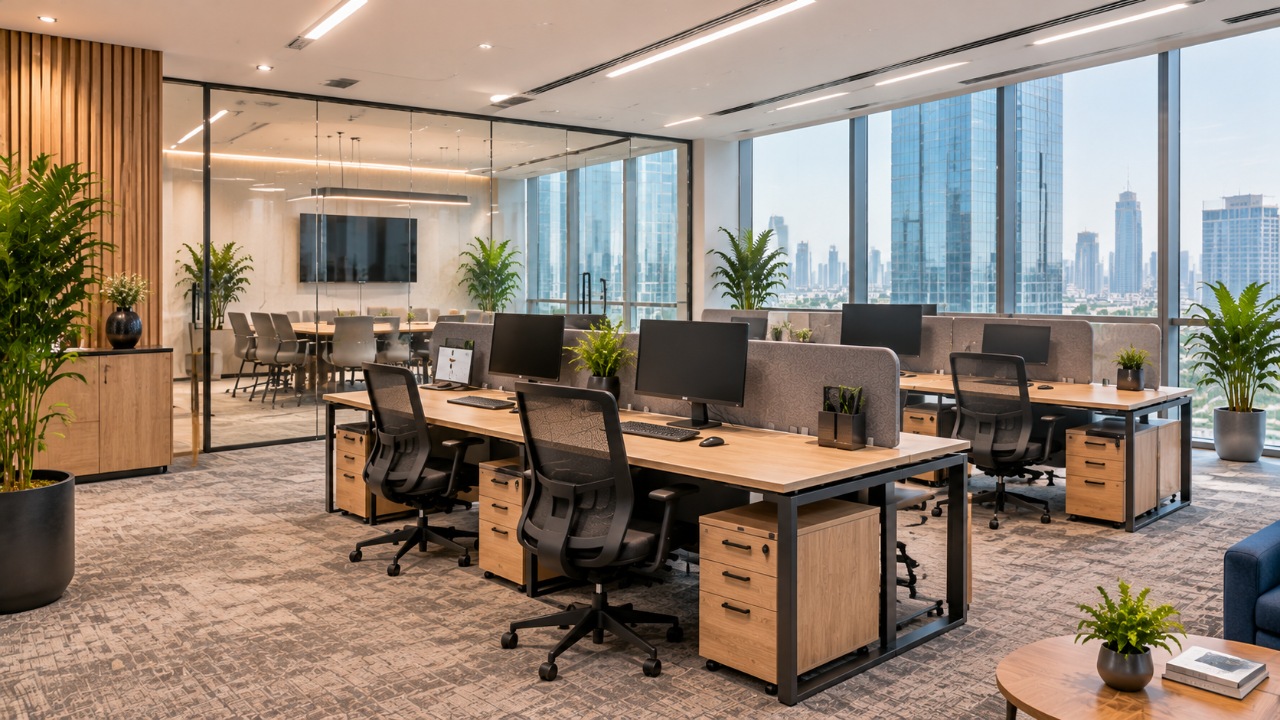
How to choose a sit-stand desk by height range
Sit with your feet flat and your forearms level, then measure from the floor to the underside of your elbows. Repeat the measurement standing in your usual shoes. The desk has to reach both heights with a little margin. A desk that only just reaches your standing height will feel unstable and force you to hunch at the extremes. Taller and shorter team members deserve the same check, which is where memory presets become useful.
How to choose a sit-stand desk top for your screens
People often choose a desk for its frame and then discover the top is too shallow for two monitors and a keyboard. Allow enough depth to keep screens roughly an arm’s length away. For help with sizing, see our guide on how to choose the right office desk size and the notes on desk shapes.
How to choose a sit-stand desk frame you can trust
Raise the desk to its highest setting with your equipment on it and test it by typing. A little movement is normal, but visible wobble is a sign of a weak frame or a poor fit between frame and top. Ask the supplier about the stated load capacity, the number of motors, the noise level and whether the desk has anti-collision or memory functions. Treat any figure you are given as something to confirm in writing for the specific model.
Plan cables before you choose a sit-stand desk
Cables matter as much as the frame when you decide how to choose a sit-stand desk. Cables need slack to move with the desk. Power and data leads that are pulled tight will tug on equipment as the top rises. Plan a route that allows movement, and consider cable grommets and a flexible cable management spine. More options are listed under office accessories.
Choose a sit-stand desk finish that suits the room
A sit-stand desk is still a piece of office furniture people look at all day. Laminate, veneer and glass tops behave differently under wear and light. Our desk material guide compares the common materials.
Setting Up the Workstation Around the Desk
Knowing how to choose a sit-stand desk is only half the job. The desk is only one part of the setup. The same principles apply whether you are sitting or standing: keep the body in a neutral, supported position and bring the work to you.
- Sitting: feet supported, thighs roughly level, forearms about parallel to the floor and the keyboard close enough that your shoulders stay relaxed.
- Standing: raise the desk so your elbows stay close to a right angle, keep your wrists straight and avoid leaning on one leg or the desk edge.
- Screen: place the top of the screen at or slightly below eye level and about an arm’s length away. A monitor arm makes it much easier to keep this position when the desk moves.
- Chair: keep a chair at the desk for the seated periods. Our guides to office chair features and mesh chairs are a good starting point, and the wider ergonomic furniture guide covers desk and chair together.
- Floor: standing on a hard floor for long stretches can be tiring. Comfortable shoes and, if suitable for your space, an anti-fatigue mat can help. Keep the mat edges flat so they do not become a trip hazard.
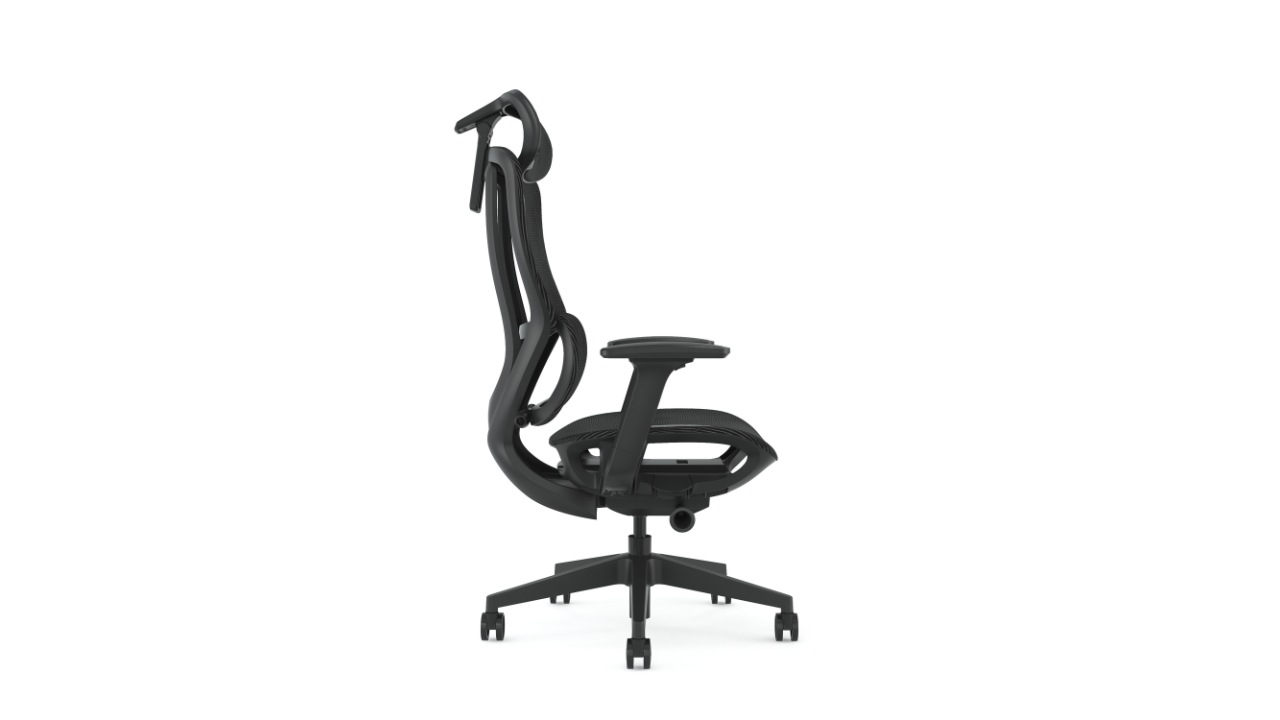
If you are still working out the seated position itself, read how to sit properly at a computer first. A sit-stand desk will not fix a poor seated setup.
How to Use It Without Overdoing It
Once you know how to choose a sit-stand desk, using it well is the next step. Many people buy a sit-stand desk, stand for most of the first week, feel tired and stop. A gentler approach tends to work better.
- Begin with short standing periods during tasks you already do on your feet, such as phone calls or reading.
- Increase the time gradually as it feels comfortable. There is no universal number of minutes that suits everyone.
- Change position when you feel stiff, not only when a timer goes off. Mixing in a short walk is as useful as switching posture.
- Leave the desk at a seated height at the end of the day, so the next user does not start from an extreme position.
Anyone with a medical condition, pregnancy or persistent discomfort should ask a qualified health professional what suits them, rather than relying on a general office guide.
A Realistic Example from a Dubai Office
This is an illustrative scenario, not a client case. A finance team of eight in a Dubai office wants to replace fixed desks. Two people are tall, three are short and the rest are average height.
Rather than buy eight identical fixed desks and adjust chairs, the office chooses electric sit-stand desks with memory presets, so each person saves a seated and a standing height. They add monitor arms, keep the existing mesh chairs and use a shared cable route under the desks. The extra work happens up front: measuring people, checking the height range and planning cables. After that, adjusting a desk takes a few seconds. The lesson is how to choose a sit-stand desk by measuring people first.
Common Mistakes When You Choose a Sit-Stand Desk
These are the errors that most often undermine how to choose a sit-stand desk well.
- Buying a desk without checking its minimum and maximum height against real measurements.
- Choosing a top that is too shallow for the screens and keyboard.
- Ignoring the chair, then wondering why the seated hours still feel uncomfortable.
- Leaving cables too tight, so they strain equipment as the desk moves.
- Placing the desk where it cannot extend fully, for example under a shelf or beside a wall unit.
- Standing for long periods in the first week and giving up.
Practical Recommendations for Choosing a Sit-Stand Desk
Use these steps for how to choose a sit-stand desk for a team or for one person.
- Measure the people who will use the desk before you shortlist models.
- Prefer electric frames with saved heights for shared or busy workstations.
- Budget for a monitor arm, a suitable chair and cable management, not only the desk.
- Leave clear space around the desk so it can extend and the chair can move.
- Introduce the desks with a short briefing on setup and gradual use.
Related Furnicraft Resources
These pages cover the furniture and planning decisions that sit around a sit-stand desk. They are grouped by topic so you can go straight to what you need.
Desks and workstations
- Height adjustable desks for the full range
- Office workstations for team layouts
- Staff desks, manager desks and executive desks
- Desk shape guide and desk size guide
- Workstation mistakes to avoid
Seating and ergonomics
- Office ergonomics in Dubai
- How ergonomic furniture supports health
- Mesh chair benefits and how chairs affect performance
- Why your back hurts at work
- The hidden costs of bad seating
Layout, storage and accessories
- How desk placement affects a team and office movement layout
- Small office setup ideas and modular office furniture
- Storage cabinets to keep surfaces clear
- Table power sockets with USB and workstation power socket types
- Scalable furniture for growing teams
Other office spaces
- Meeting tables and collaborative area furniture
- Lounge seating and sofas
- Silent boxes for private calls
Key Takeaways: How to Choose a Sit-Stand Desk
- Use this guide on how to choose a sit-stand desk as a checklist: measure, test, plan cables, then set up the chair and screen.
- A sit-stand desk is useful because it makes changing posture easy, not because standing is better than sitting.
- Check the height range against your own seated and standing elbow heights.
- Stability at full height, desktop depth and cable slack decide whether the desk works day to day.
- Pair the desk with an adjustable chair, a screen at the right height and sensible cable routing.
- Build up standing time gradually and keep moving.
How to Choose a Sit-Stand Desk with Furnicraft
If you are still deciding how to choose a sit-stand desk for your team, the quickest way to avoid mistakes is to measure first and shortlist second. You can browse the height adjustable desk range and ask the Furnicraft team about sizes, finishes and lead times through the contact page.
Sit-Stand Desk FAQs
Is a sit-stand desk better than a normal desk?
It is more flexible, which is its main advantage. It lets you change posture without leaving your workstation, but it only helps if you actually vary your position and keep the rest of the setup comfortable.
How long should I stand each day?
There is no single figure that suits everyone. Start with short periods, increase gradually and change position when you feel stiff. Move around as well as standing.
Do I still need a good chair?
Yes. Most people sit for a large part of the day even with a sit-stand desk, so an adjustable chair remains important.
How to choose a sit-stand desk height range?
One that covers your seated elbow height and your standing elbow height with some margin. Measure both and compare them with the manufacturer’s stated range for the exact model.
How to choose a sit-stand desk frame for an office?
For shared or busy desks they usually are, because saved heights make adjusting fast. If a desk is rarely adjusted, the extra cost is harder to justify.
How to choose a sit-stand desk for two monitors?
Yes, provided the desktop is deep and wide enough, the frame can carry the load and the screens are mounted so they keep the right height as the desk moves.
Do sit-stand desks need extra cable management?
They benefit from it. Cables need enough slack to travel with the desk, so plan the route and use grommets or a flexible spine to keep it tidy.
Can I try standing before I buy a full desk?
A desktop riser is a low-cost way to test the idea, although it offers less surface area and stability than a full sit-stand desk.
How to choose a sit-stand desk for a small office?
Measure the room first, leave space for the desk to extend and the chair to move, and pick a desktop no larger than the work needs. Our small office setup ideas explain how to plan the layout.
How to choose a sit-stand desk for shared workstations?
Look for saved height presets so each person can return to their own seated and standing heights in seconds, and check that the height range suits your shortest and tallest users.
Follow Furnicraft for More Workspace Ideas
Stay inspired with real-life setups, workspace tips, and the latest product drops: