
Table of Contents
Power sockets are one of the first things people notice when a workstation is badly planned. Cables run across the floor, extension strips sit under desks and meeting tables have nowhere to charge a laptop. This guide explains the types of workstation power sockets used in Dubai offices, how they differ and how to choose the right one for a desk, a conference table or a shared workspace.
Types of Workstation Power Sockets at a Glance
Most office desk sockets fall into a few groups: pop-up sockets that rise from the desk surface, recessed sockets that sit flush, slide or flip-cover units that open when needed, and connectivity boxes that combine power with USB and data. The best of the types of workstation power sockets depends on the desk, the number of devices per person and how visible you want the hardware to be.
- Pop-up: rises from the desktop and disappears when not needed.
- Recessed: sits flush for a permanent, clean look.
- Table socket with USB: adds direct device charging.
- Slide and wireless: opens under a cover and can include wireless charging.
- Connectivity box: combines power, USB and data for meeting tables.
Why the Right Power Socket Matters
A desk socket is more than a convenience. It decides whether cables are tidy, whether devices can be charged within reach and whether people rely on extension leads. The Office of Congressional Workplace Rights, a US agency, notes in its fast facts on power strips that interconnecting extension cords or power strips breaks OSHA rules and the National Electrical Code and can overload circuits. That is a US reference, not a UAE rule, but the principle applies anywhere: if a workstation needs a chain of strips, the problem is the layout, and it is better fixed with proper outlets.
Choosing between the types of workstation power sockets early also saves money, because the desk or table can be ordered with the correct cut-outs. Changing the desktop later is more expensive than planning the sockets before you buy.
What Plug Type Do Dubai Offices Use with These Sockets?
The UAE uses the three-pin Type G plug, as used in the UK, on a supply of roughly 220 to 240 volts. When you buy a desk socket, confirm that the plug outlets match the devices you use, and ask for the specification of the exact model. Anything installed into building wiring should be fitted by a qualified electrician, in line with the building’s requirements.
Types of Workstation Power Sockets Explained
Pop-up desk sockets
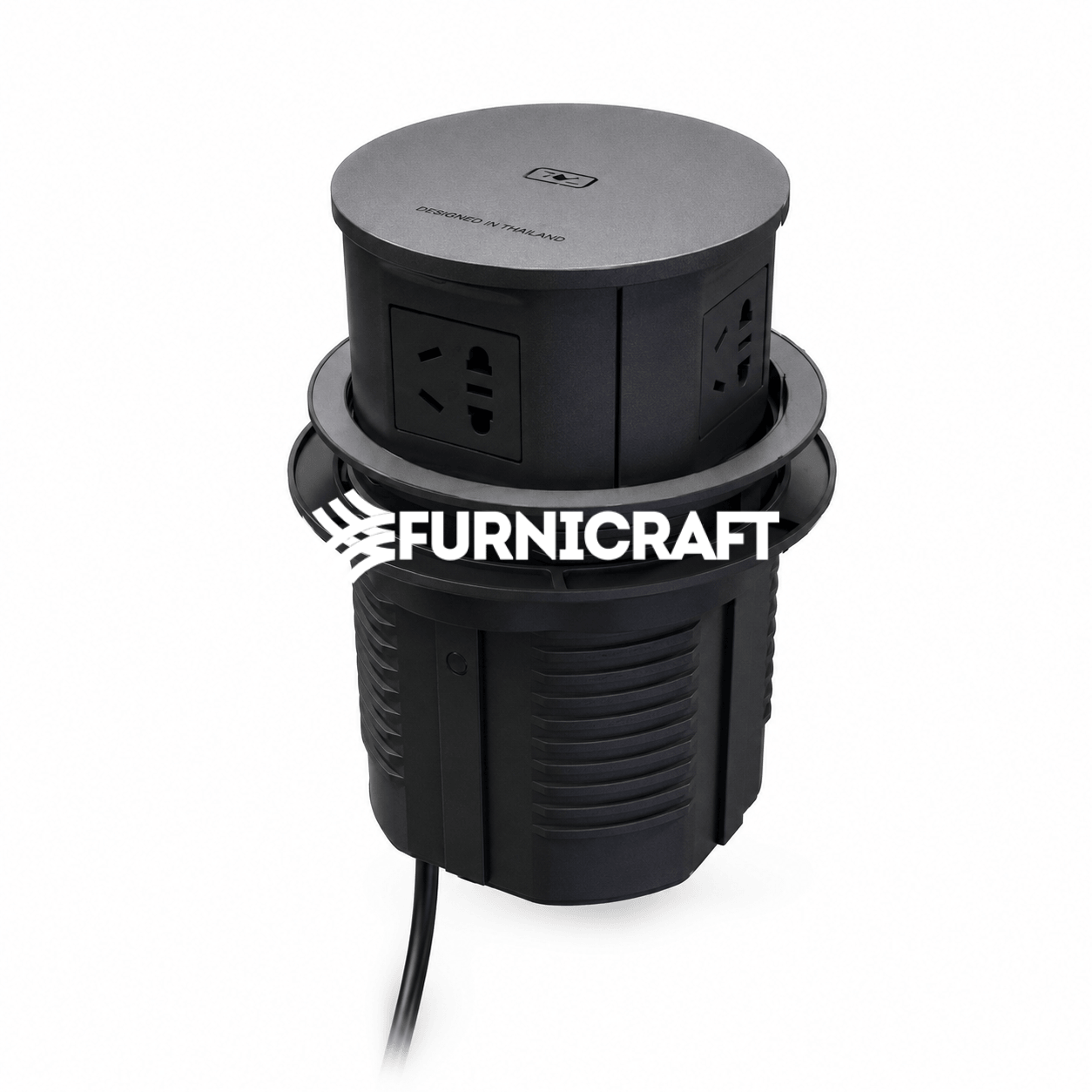
A pop-up socket sits inside the desktop and rises when needed, then retracts to leave a clean surface. It suits meeting tables and shared desks, where people connect for a short time. Examples include the pop-up power socket with USB ports and the pop-up desk power socket for conference tables.
Recessed desk sockets
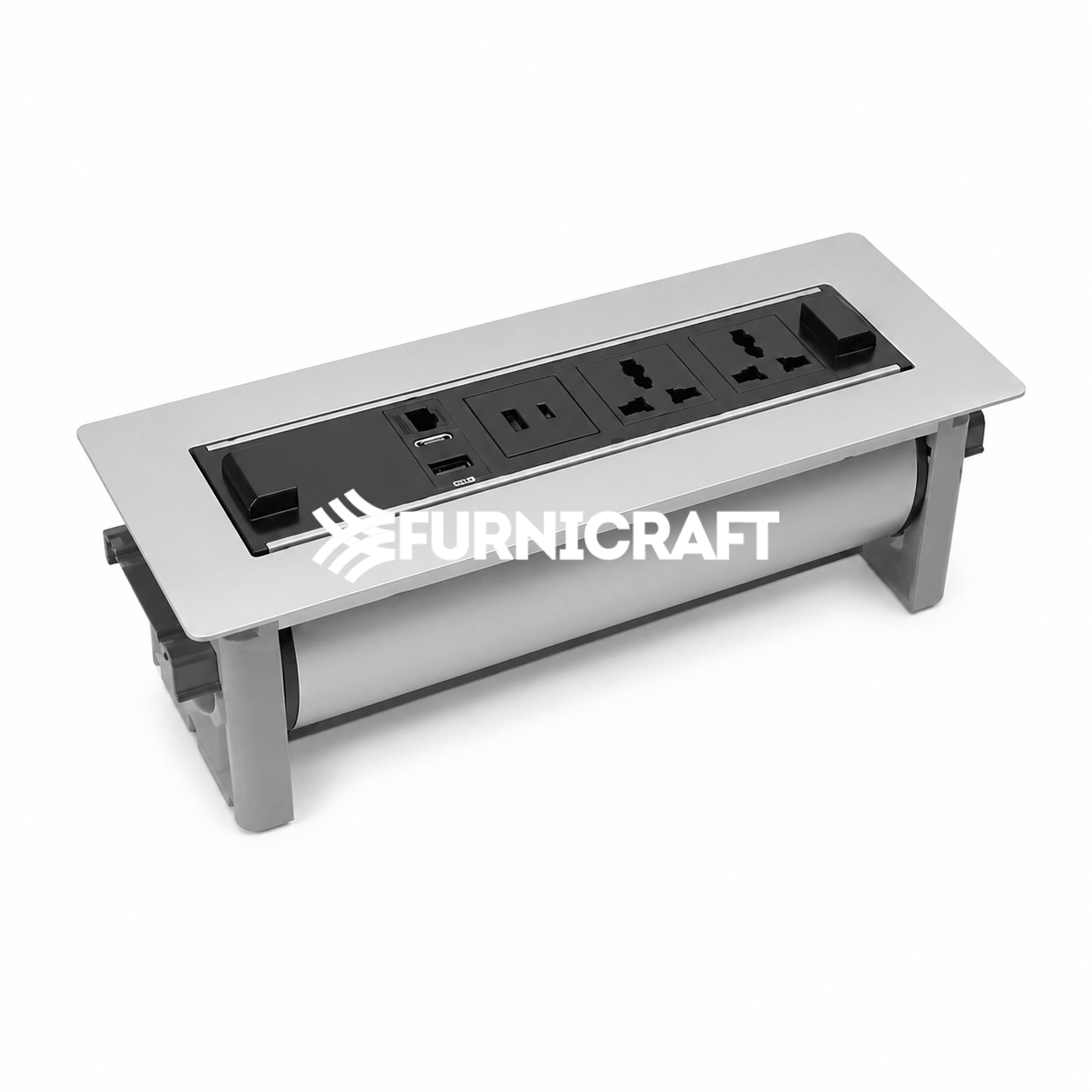
Recessed units sit flush with or just below the surface. They keep the desktop clear and suit permanent workstations. Compare the recessed desk power socket with USB and data ports with the slim recessed version if the desk is thin.
Table power sockets with USB
These add USB charging to a plug outlet, so phones and tablets do not need a separate adapter. See the table power socket with USB for a typical format. It is one of the simplest types of workstation power sockets to specify, and it suits everyday desks.
Slide and wireless charging sockets
Slide units open with a cover and can include a wireless charging area. The slide socket with wireless charging is one example. Check which devices support wireless charging before choosing it as the main solution.
Multifunctional sockets and flip covers
Multifunctional units combine several outlets and ports in one housing, such as the multifunctional socket A-19. A flip cover protects the unit and keeps the surface tidy when it is not in use.
Connectivity boxes
Connectivity boxes combine power with USB, HDMI or network connections. They are common in meeting rooms where several people connect laptops and displays. Read about connectivity boxes for desks, their common uses and whether they are compatible with all conference tables.
Workstation Power Sockets from Furnicraft
Compare these socket options for desks and tables in your office and see the main types of workstation power sockets in practice.
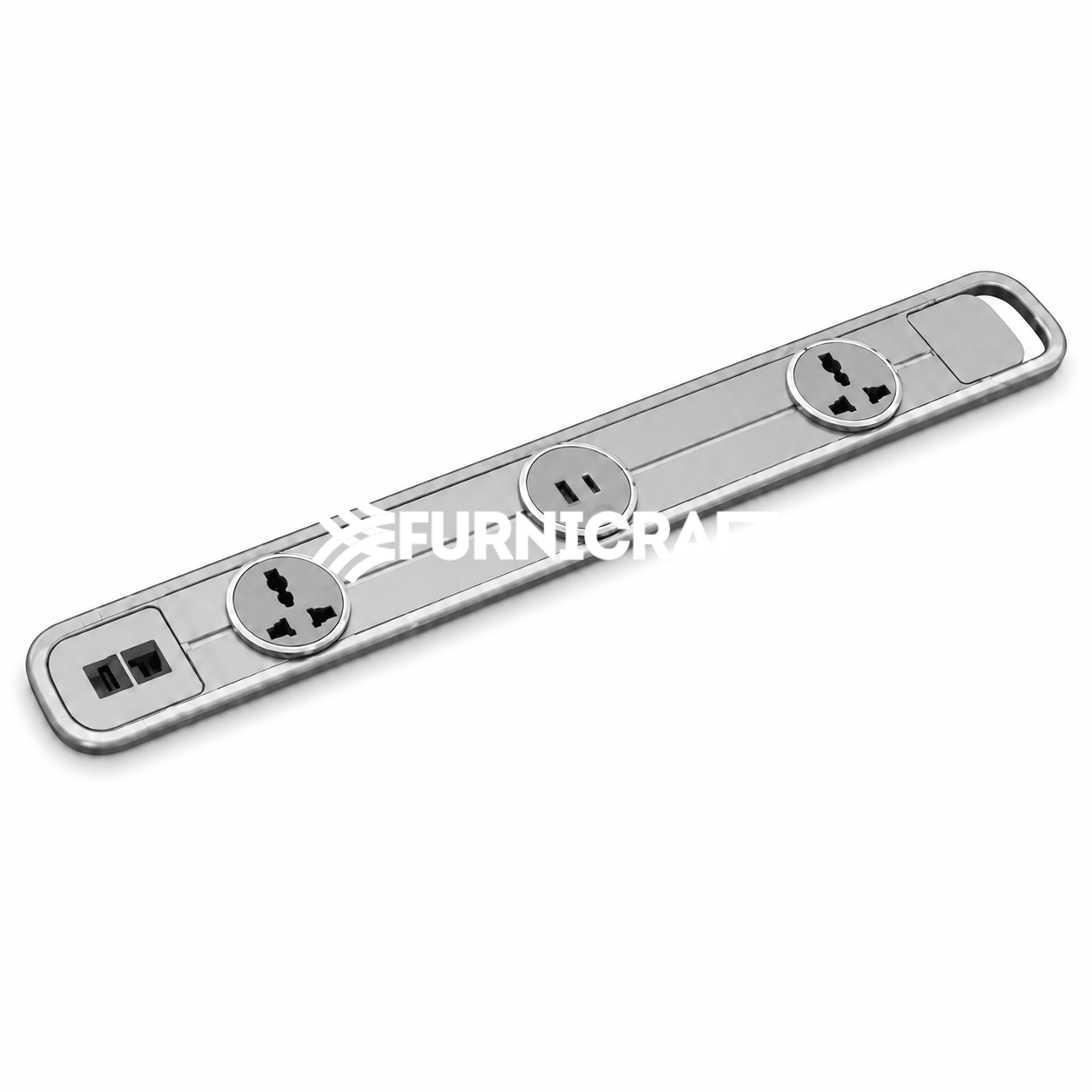
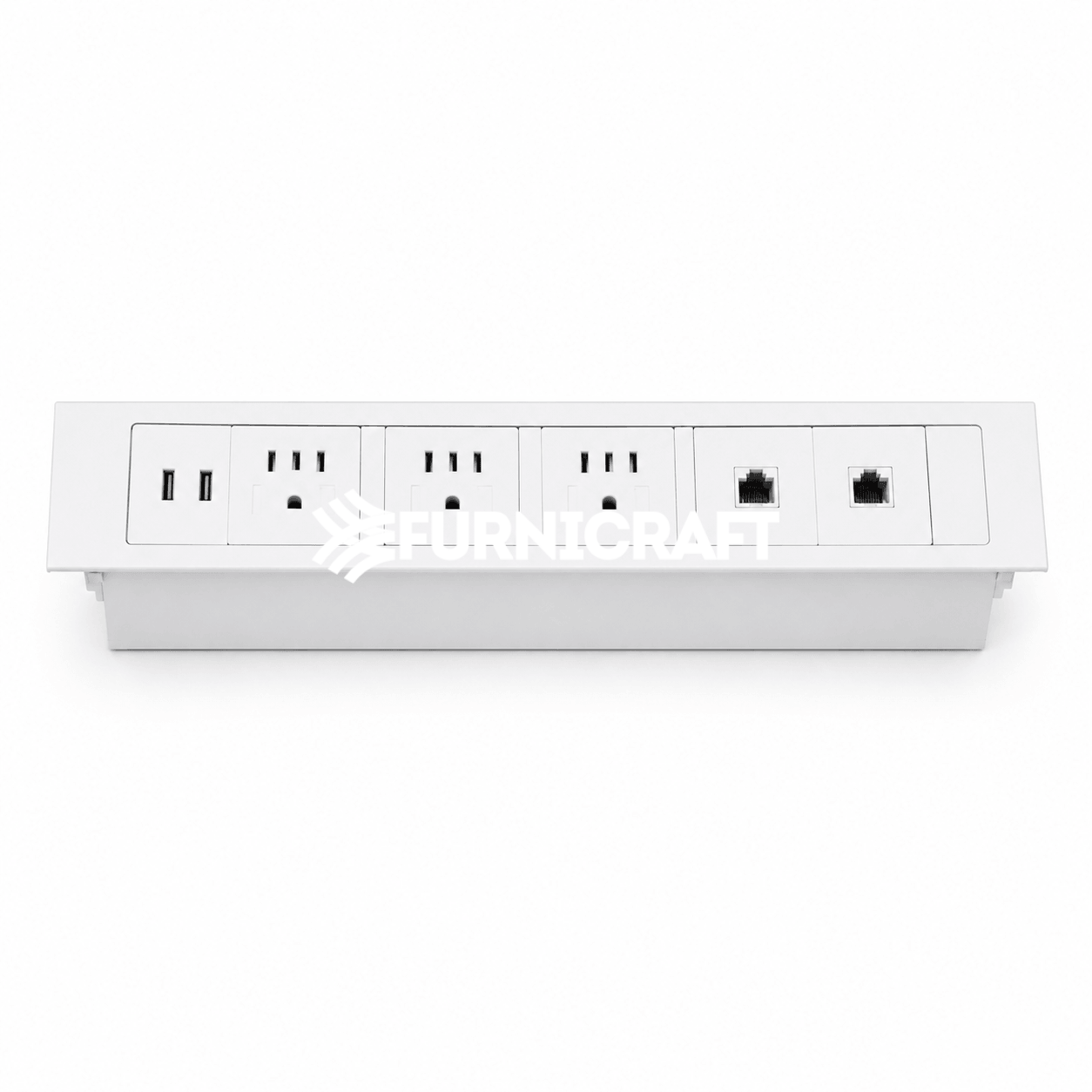
Comparison of the Types of Workstation Power Sockets
| Type | Best for | Main advantage | Consider |
|---|---|---|---|
| Pop-up | Meeting tables, shared desks | Clean surface when closed | Needs a suitable cut-out and depth |
| Recessed | Permanent workstations | Flush finish | Position fixed once installed |
| Table socket with USB | Everyday desks | Direct device charging | Visible on the desk surface |
| Slide / wireless | Executive and reception desks | Neat and modern look | Device compatibility |
| Connectivity box | Conference tables | Power, USB and data together | Table size and cable routing |
How to Choose the Right Socket
- Count devices per person. A laptop, phone and monitor need more outlets than a single desktop.
- Check the desk or table. Thickness, material and the space underneath decide what can be fitted.
- Decide what must be visible. Executive desks often suit hidden units, while shared desks need easy access.
- Plan cables. Choose a socket together with a cable route. A cable grommet or a flexible cable spine keeps wiring tidy.
- Ask for specifications. Request ratings, certifications and installation requirements for the exact model, and confirm them in writing.
- Use a qualified electrician. Connection to building power should be done by one.
To compare features in more detail, see our guides to features in workstation power sockets and desktop power distribution sockets.
How Many Sockets Does Each Workstation Need?
Count devices, not people. A typical desk may hold a laptop, one or two monitors, a phone and a desk lamp, and each needs power at some point in the day. Allow a small margin for visitors, chargers and future equipment. The table below is a planning guide, not a rule, so confirm the number of outlets with the supplier for your own layout.
| Workspace | Typical devices | Planning note |
|---|---|---|
| Individual desk | Laptop or PC, monitor, phone | Plan outlets within easy reach of the user |
| Shared or hot desk | Laptop, phone | Choose easy-access units such as pop-up sockets |
| Meeting table | Laptops, display, chargers | Space units along the table, not only at the centre |
| Reception desk | PC, phone, card reader | Hide units where possible for a tidy front |
Power Socket Types for Different Workspaces
Individual workstations
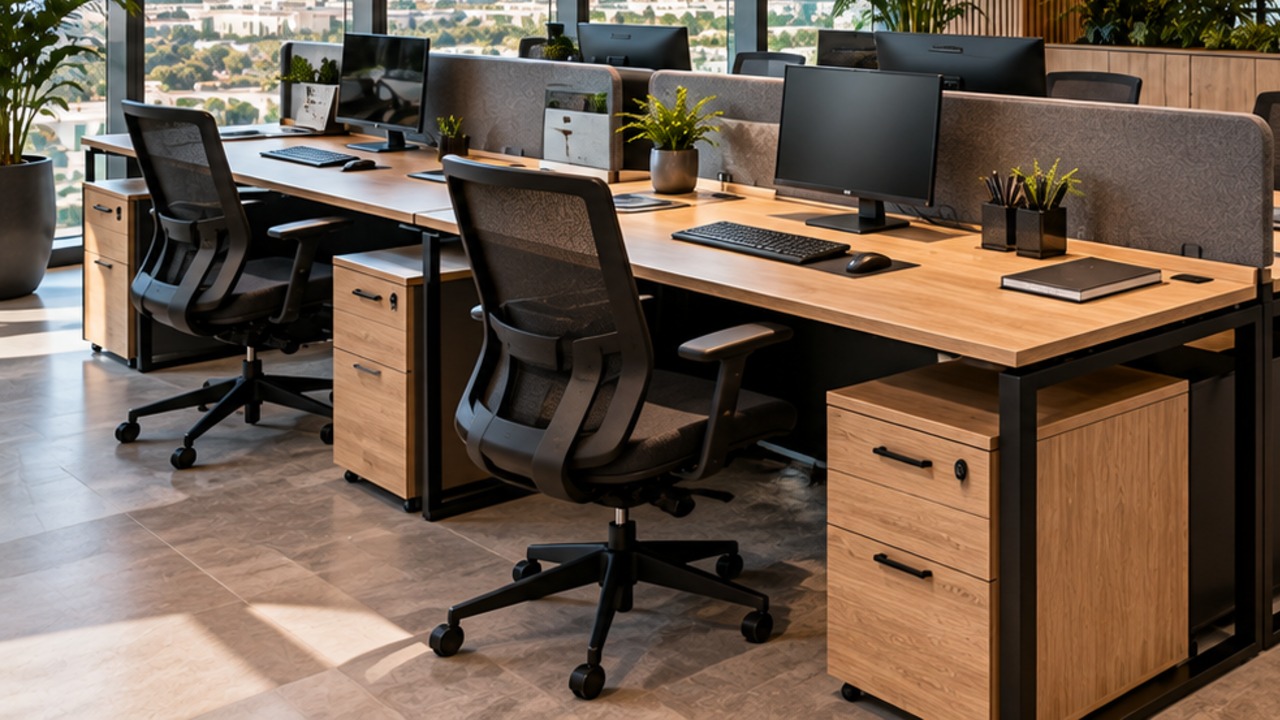
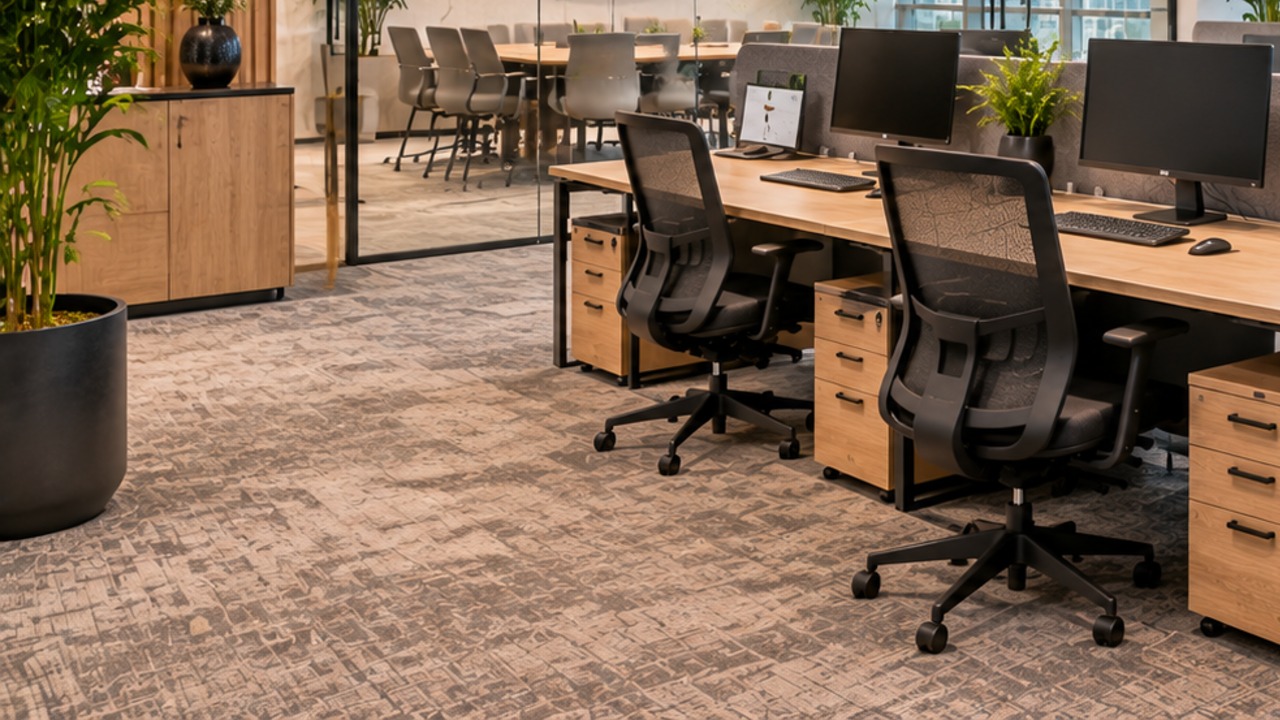
Among the types of workstation power sockets, staff and manager desks usually work best with recessed or table sockets near the user. Browse office workstations, staff desks and manager desks with their cable access in mind. Executive users may prefer a hidden unit on an executive desk.
Height adjustable desks
Not all types of workstation power sockets suit moving desks, because cables must have slack so they move with the desk. Choose flexible routing and avoid tight cable runs. Read more about height adjustable desks and our guide on how to choose a sit-stand desk, which covers cable planning before you buy.
Meeting and conference tables
For meeting tables, the types of workstation power sockets that work best are pop-up units or connectivity boxes allow several people to connect at once. Plan their positions along the table rather than only at the centre. See meeting tables and conference layout ideas, and look at a flexible collaborative area where people connect for short sessions.
Planning Power Sockets Around the Layout
Choose the types of workstation power sockets together with the desk layout, not afterwards. Check where building power points are, how far cables must travel and whether chairs or legs will block access. Our guides to office movement layout and how desk placement affects productivity help you decide where desks sit, and how to optimize your office space covers the wider plan. In a small room, small office setup ideas show how to keep cables out of walkways.
USB, Wireless and Plug Outlets: Which Charging Option Do You Need?
The types of workstation power sockets differ mainly in what they let you connect. A plug outlet powers laptops, monitors and lamps. USB ports charge phones and tablets without an adapter. Wireless charging is convenient for compatible phones, but it is slower to set up and not universal. Most offices combine plug outlets with USB, and add wireless charging only where it suits the users. If you are unsure, start with plug outlets plus USB and add other options once you know what people actually use.
Cable Management Tips for a Cleaner Workstation
Even the best of the types of workstation power sockets cannot fix a messy cable layout. Route cables through a grommet, group them with a spine or tray under the desk, and keep power leads away from walkways. A cable grommet and flexi spine cable management are simple additions that make desks look better and safer. Label chargers and cables in shared areas so people do not unplug each other’s devices.
Questions to Ask Your Supplier
Before you order any of the types of workstation power sockets, ask the supplier for clear answers on the following points:
- What are the voltage and current ratings, and which plug types are supported?
- What cut-out size and desktop thickness does the unit need?
- What certifications and documentation are available for the model?
- How is the unit installed, and who connects it to building power?
- Is there a warranty, and are spare parts available?
Safety and Care for Desk Power Sockets
Desk sockets are used daily, so choose well-made units and keep them in good condition. Do not overload a unit with more devices than its rating allows, keep liquids away from sockets and have any damaged unit checked by a qualified electrician. Cleaning the surface around a pop-up or recessed unit with the power off prevents dust build-up. These simple habits matter as much as choosing between the types of workstation power sockets in the first place.
Power Sockets for Hot-Desking and Hybrid Offices
Hybrid teams share desks, so the types of workstation power sockets you choose should work for anyone who sits down. Pop-up and table sockets with USB are easy to find and use, and they avoid the habit of plugging a personal extension lead into the wall. Keep outlets in the same position on every shared desk so people know where to connect, and pair them with a height adjustable desk or a flexible workstation that suits different users. Planning this early keeps a shared office tidy as the team grows, which is covered in our guide to scalable furniture for growing teams.
Finish and Design: Matching Sockets to Your Furniture
Sockets are visible, so their finish matters. Silver and black units suit most modern desks, and a hidden or recessed design keeps executive and reception desks looking clean. Check that the colour and shape of the unit match the desk material, and read our office desk material guide before you decide, because some tops are harder to cut or fit than others. Good design makes the different types of workstation power sockets part of the furniture rather than an afterthought.
Common Mistakes with Workstation Power Sockets
- Counting sockets, not devices, and ending up with extension leads.
- Choosing a unit before checking the desktop thickness and underside.
- Placing sockets where chairs or legs block access.
- Pulling cables tight on a height adjustable desk.
- Assuming every connectivity box fits every table.
- Skipping professional installation.
For wider layout errors, see workstation mistakes to avoid and office furniture buying mistakes. Good seating also affects cable reach, so read how to properly sit at a computer before fixing desk positions.
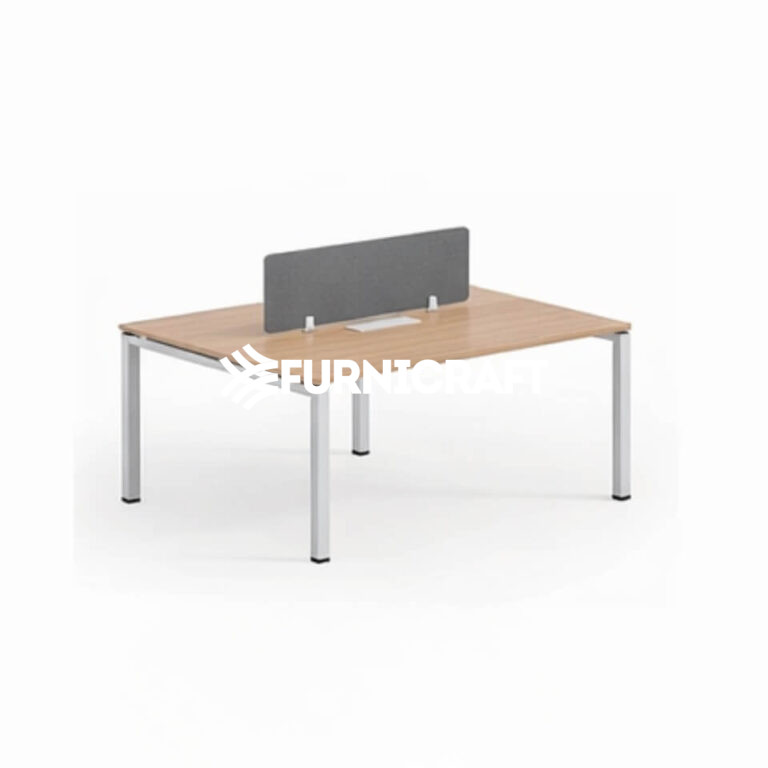
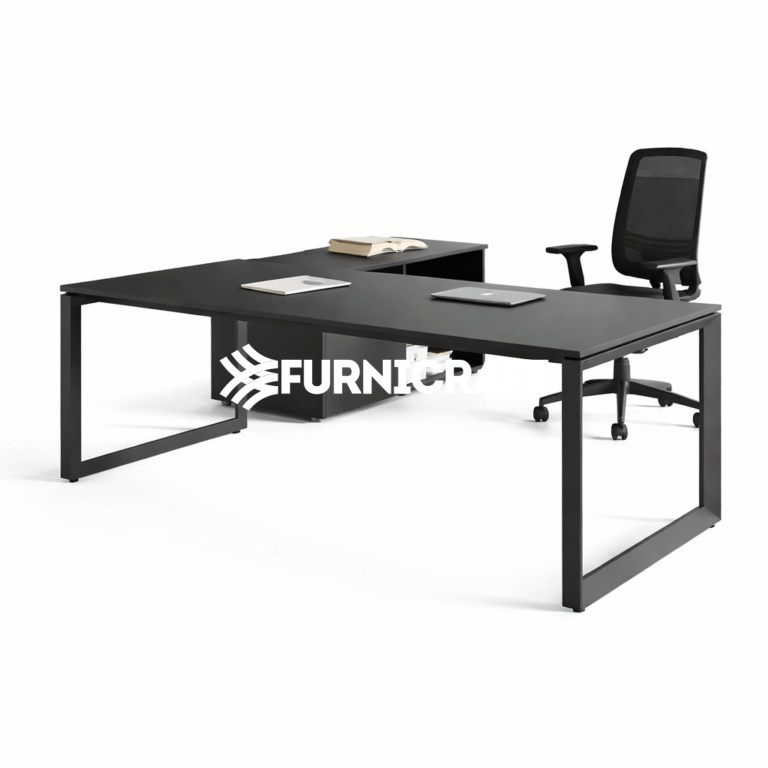
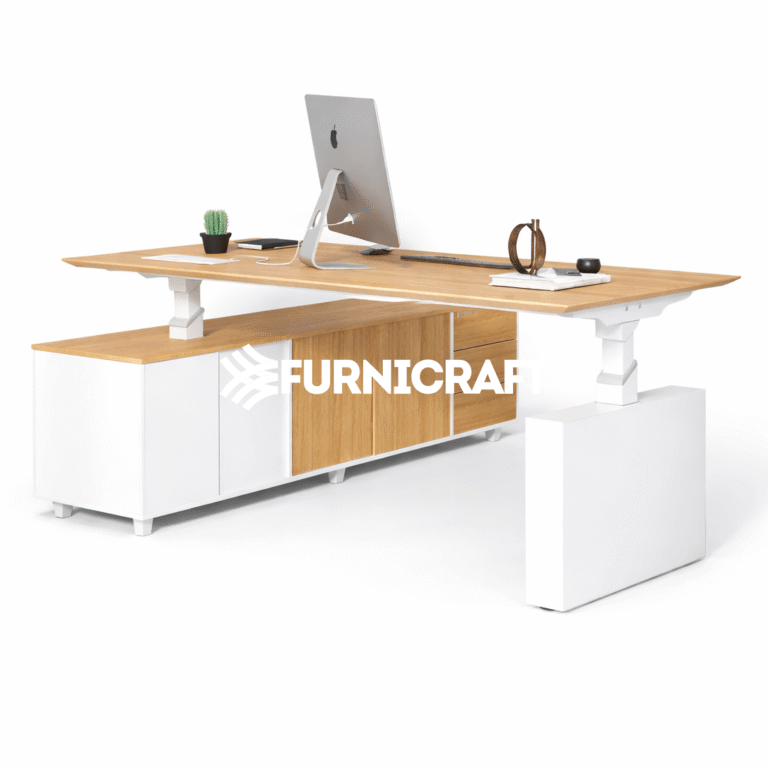
Desks and Tables to Pair with Your Sockets
Choose the desk or table first, then match the socket to its construction.

Related Furnicraft Resources
- Office accessories
- How desktop power distribution sockets improve productivity
- Popular features of connectivity boxes in Dubai
- Workstation power sockets overview
Key Takeaways: Types of Workstation Power Sockets
- Pop-up, recessed, slide and connectivity-box units suit different desks and tables.
- Count devices per person, then plan outlets and cable routes together.
- Avoid chaining extension leads or power strips.
- Check the desk or table construction before choosing a unit.
- Ask for specifications and use a qualified electrician for installation.
Get Help Choosing Workstation Sockets
Share your desk or table type and the number of users, and the Furnicraft team can suggest suitable socket options. Contact us through the contact page and we will help you compare the types of workstation power sockets for your layout.
FAQs: Types of Workstation Power Sockets
What types of workstation power sockets are available in Dubai?
Common types include pop-up, recessed, table sockets with USB, slide and wireless charging units, multifunctional sockets and connectivity boxes.
What plug type is used in Dubai offices?
The UAE uses the three-pin Type G plug at roughly 220 to 240 volts. Confirm the specification of any socket you buy.
Are pop-up sockets better than recessed ones?
Neither is better in every case. Pop-up units suit shared and meeting tables, and recessed units suit permanent desks.
Can I fit a desk socket myself?
Mounting the unit in the desk may be simple, but connecting it to building power should be done by a qualified electrician.
How many sockets does each workstation need?
Count the devices each person uses, such as laptop, monitor and phone, and allow a small margin for visitors or accessories.
Do sockets work with height adjustable desks?
Yes, but cables need slack and flexible routing so they can move with the desk.
Is wireless charging enough on its own?
Usually not. Not every device supports it, so many offices combine wireless charging with USB and plug outlets.
Is it safe to chain power strips together?
No. Safety guidance, including the US material cited above, advises against it because circuits can overload. Request more outlets instead.
Which of the types of workstation power sockets is best for a meeting table?
Pop-up units and connectivity boxes are the usual choices, because several people can connect at once. Check the table thickness and cable route first.
Need Help Furnishing Your Dubai Office?
Talk to Furnicraft about desks, chairs, meeting tables, reception furniture and storage for your workspace.
Follow Furnicraft for More Workspace Ideas
Real-life setups, workspace tips and the latest product drops.
Pyramid Centre, M11, Oud Metha, Dubai, UAE