
Table of Contents
An office desk is where most of the working day happens, so the choice affects comfort, focus and how tidy a team looks. The wrong desk is too small for the equipment, too deep for the room or too hard to fit into the layout. This guide explains how to choose an office desk for a Dubai office, covering desk types, sizes, materials, ergonomics, storage and layout, with links to the Furnicraft ranges that suit each need.
Office Desk: What to Check First
Begin with the person and the room, not the catalogue. The best office desk fits the work the user does, the equipment on the surface and the space available. Check these points before you compare finishes:
- Role: staff, manager, executive or shared use.
- Equipment: number of screens, laptops, documents and accessories.
- Size: width and depth that fit the user and the room.
- Storage: drawers or a mobile pedestal if the user keeps files.
- Power and cables: where outlets and cable routes will be.
- Flexibility: a fixed layout or a height adjustable desk.
Why the Right Office Desk Matters
A desk is a work tool as much as a piece of furniture. When the surface is the right size, people keep screens, keyboards and papers within reach and avoid twisting or stretching. When it is wrong, they work around it with stacks of paper, extension leads and awkward postures. Choosing the office desk early also helps the whole fit-out, because the desk decides the chair, the storage and the power points that follow.
The desk also shapes how the office looks to clients. Matching desks in a consistent finish make a team look organised, while a mix of sizes and colours can look accidental. That is why many Dubai companies order desks, storage and seating together from one range.
Types of Office Desks for Dubai Offices
Workstations for teams
Workstations suit open plan teams, because they combine desks into shared rows or clusters. They save space and make it easy to add people. Browse our office workstations for single, double and multi-seat layouts, and read workstation mistakes to avoid before you finalise the plan.
Staff desks
A staff desk is the standard choice for individual employees. It offers a clear working surface, often with a privacy panel or drawers, and is easy to repeat across a floor.
Manager desks
A manager desk gives more surface and a stronger look than a staff desk. It suits team leads who need space for reviews, documents and small meetings.
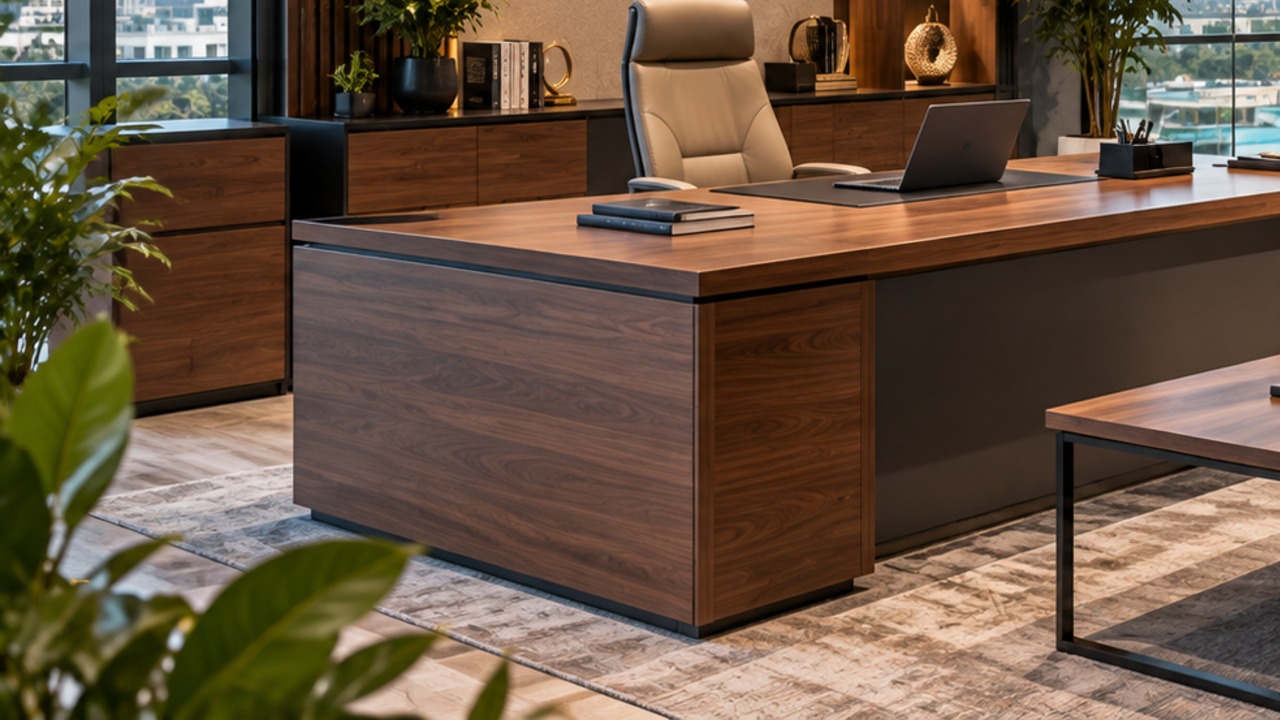
Executive desks
An executive desk is larger, with a premium finish and often a return or credenza. It suits directors and senior managers, and it is usually matched with a lounge corner. If you are unsure whether a manager or an executive layout is right, our guide to executive desks versus workstations explains the difference.
Height adjustable desks
A height adjustable desk lets users switch between sitting and standing. It suits people who spend long hours at the screen and teams that share desks. For a detailed comparison, read how to choose a sit-stand desk.
Comparing Office Desk Types
| Desk type | Best for | Main advantage | Consider |
|---|---|---|---|
| Workstation | Open plan teams | Efficient use of space | Less privacy unless panels are added |
| Staff desk | Individual employees | Simple and repeatable | Check the surface size for two screens |
| Manager desk | Team leads | More surface and storage | Needs a larger room |
| Executive desk | Directors | Premium look and space | Floor area and budget |
| Height adjustable | Long screen hours, shared desks | Sit-stand flexibility | Cable slack and power planning |
Office Desks from Furnicraft
Compare desk ranges for staff, managers and executives.


How to Choose the Right Office Desk Size
Size decides comfort more than any other detail. These figures are common planning ranges, not fixed rules, so confirm the exact dimensions of any model and test them in your layout:
- Check the width. A single user with a laptop and a screen often needs a desk around 120 to 140 cm wide, while two screens and documents call for more.
- Check the depth. Around 60 to 80 cm is typical, so that a screen sits at a comfortable distance from the user.
- Allow space around the desk. Leave room for the chair to move back and for people to walk past.
- Consider the room shape. A long, narrow room needs a different layout from a square room.
- Plan for growth. Choose a size and style that can repeat if the team grows.
For more detail, see our guides to choosing the right office desk size and the desk shape guide, which compares straight, L-shaped and curved desks.
Office Desk Materials and Finishes
The surface needs to look good and survive daily use. Melamine and laminate tops are durable and easy to clean, wood veneer adds warmth, and metal frames provide strength with a slim profile. Think about scratches, spills and sunlight, and ask the supplier for finish and care details for the specific model. Our office desk material guide compares the common options in detail.
- Laminate or melamine: practical, durable and easy to wipe.
- Wood veneer: premium look, suited to managers and executives.
- Metal legs: strong and slim, good for modern layouts.
- Glass or accent panels: light and modern, but need more cleaning.
Ergonomics: Making the Office Desk Fit the User
A desk should support a comfortable posture. The UK Health and Safety Executive’s page on good posture when using display screen equipment describes a standard workstation setup, including keeping the screen and keyboard directly in front of the user and the mouse in line with the elbow. It is a UK reference, not a UAE rule, but its principles apply to any office desk. Position the desk so the user does not twist, and match it with a supportive chair.
Pair each desk with a good chair, such as our office chairs or mesh chairs. Our guides to office ergonomics in Dubai, how to properly sit at a computer and choosing ergonomic office furniture explain how desk, chair and screen work together, and why your back hurts at work covers common posture problems.
Storage, Cables and Power at the Office Desk
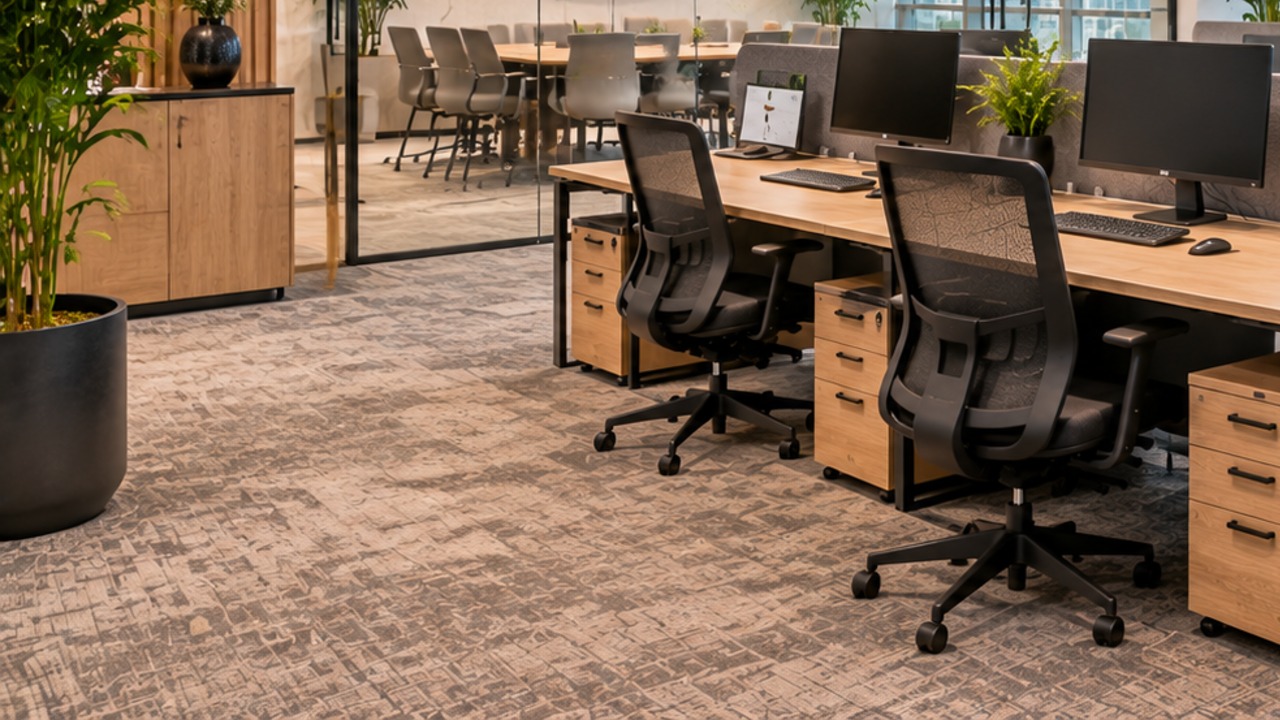
A desk looks and works better when storage and cables are planned with it. Drawers or a mobile pedestal keep files within reach, while storage cabinets handle the bulk of paperwork. A cable grommet and flexi spine keep wiring out of sight, and a table power socket with USB puts power on the desk. To compare options, read about the types of workstation power sockets.
Planning the Office Layout Around Your Desks
Place desks to suit the way people work together. Our guides to desk placement and productivity and office movement layout explain how position affects flow and focus, and how to optimize your office space covers the wider plan.
Small offices
In a small room, choose compact desks and keep storage slim. See small office setup ideas and compact office furniture in Dubai for space-saving ideas.
Growing teams
Pick desks that can repeat and reconfigure. Read about modular office furniture and scalable furniture for growing teams before you commit.
Meeting and lounge areas
Desks are only part of the plan. Add meeting tables for discussions, a collaborative area for informal work and a reception desk for visitors. A matching coffee table helps in the lounge, as covered in our coffee table buying guide.
Choosing Desks for Different Teams
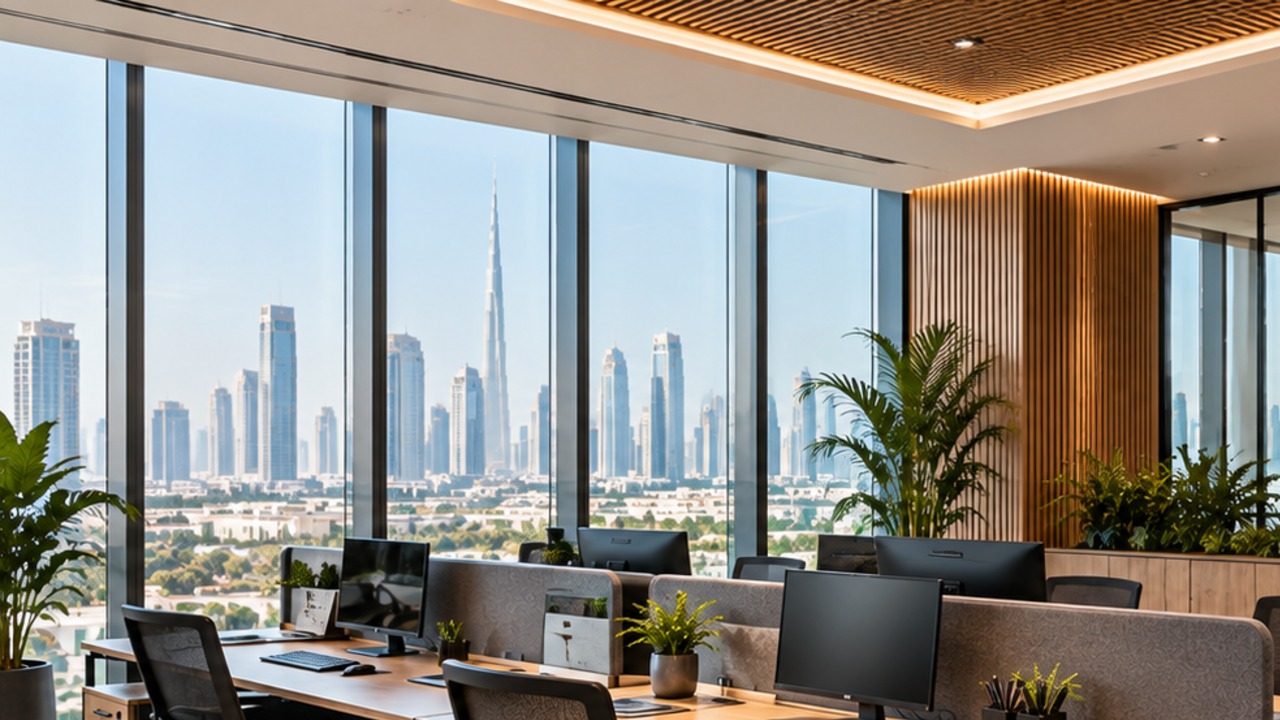
Different teams use their desks in different ways, so one size rarely suits everyone. Finance and administration teams often work with documents and two screens, so they need a wider surface and drawers. Creative and design teams may need space for large monitors, sketches and samples. Sales and customer service teams spend much of the day on calls, so privacy panels and a tidy cable layout matter more. Managers who hold short reviews at their desk need space for a guest chair and room to spread out documents.
Walk through each team’s day with the people who use the desks, and note what sits on the surface and what is stored nearby. A short list of needs per team is more useful than a general guess, and it makes it easier to explain the choice to management. Where several teams share one floor, keep the finish consistent and vary only the size and storage, so the office still looks planned.
Desk Accessories That Make the Workspace Work
Small additions make a desk easier to use. A monitor arm frees surface space, a desk tray keeps small items together and a cable tray under the surface hides wiring. Privacy screens or acoustic panels help in open plan areas where people take calls. Browse our office accessories to find options that match the desk range, and check that the desk can support them before you order, for example the thickness of the top for a clamp-on arm.
Caring for Your Desks
A little care keeps desks looking new for longer. Wipe surfaces with a soft cloth and a cleaner that suits the finish, keep hot cups on coasters and avoid dragging heavy items across the top. Check the supplier’s care guidance for the exact model, and tighten fixings if a desk starts to wobble. In shared offices, set a simple rule for leaving desks clear at the end of the day so that cleaning is quick and surfaces stay in good condition.
Planning an Office Desk Budget
The cheapest desk is not always the lowest cost. Think about durability, how long the finish will last and whether the same model can be repeated as the team grows. Spend more on desks that people use all day and less on pieces used occasionally. Our guide to creating a modern office space on a budget shows where to save, and reducing clutter with the right furniture helps you avoid buying more than you need.
Questions to Ask Your Supplier
- What are the exact dimensions, height and weight of the desk?
- Which materials and finishes are used, and how should they be cleaned?
- Is assembly or installation included in Dubai?
- Can the same model be reordered later if the team grows?
- What is the lead time for delivery?
A Simple Checklist Before You Order
- List the roles and the equipment each person uses.
- Measure the room and sketch the layout.
- Choose the desk type and size for each role.
- Select a material and finish that suit the space.
- Plan storage, cables and power together with the desks.
- Confirm delivery and installation with the supplier.
Common Office Desk Mistakes to Avoid
- Buying a desk that is too small for two screens and paperwork.
- Ignoring the space needed for the chair to move.
- Choosing a finish that clashes with the rest of the office.
- Leaving cables and power until the desk is installed.
- Forgetting storage for files and personal items.
- Not planning for new team members.
For wider purchasing errors, see our guide to office furniture buying mistakes.
Complete the Workspace
Add height adjustable desks and storage to finish the layout.


Key Takeaways: Choosing an Office Desk
- Choose the desk by role, equipment and room, not only by style.
- Check width, depth and clearance, and test the layout.
- Match material and finish to the amount of use.
- Plan storage, cables and power with the desk.
- Pick styles that can repeat if the team grows.
Get Help Choosing an Office Desk
Tell the Furnicraft team about your team size and layout, and we can suggest suitable desks and matching furniture. Contact us through the contact page or browse our office accessories to complete each desk.
FAQs: Office Desk
What size office desk do I need?
A single user often needs a desk about 120 to 140 cm wide and 60 to 80 cm deep, with more for two screens. Check exact dimensions and test the layout.
What is the difference between a staff desk and a manager desk?
A manager desk usually offers more surface and storage, while a staff desk is compact and suits repeated use across a floor.
Is a height adjustable desk worth it?
It suits people who spend long hours at a screen and teams that share desks. Plan cable slack and power so the desk moves freely.
Which material is best for an office desk?
Laminate and melamine are durable and easy to clean, while wood veneer adds a premium look. Choose by use and care needs.
How much space should be left around each desk?
Leave enough room for the chair to move back and for people to walk past. Test it with a floor plan before ordering.
Should storage be part of the desk?
Drawers or a mobile pedestal help if the user keeps files. Otherwise, shared storage cabinets keep desks clear.
Can I order matching desks as the team grows?
Yes. Choose a model that can repeat, and ask the supplier about reordering and lead times.
How do I plan power and cables for each desk?
Plan outlets and cable routes before installation, and use grommets and cable management so wiring stays tidy and out of the way.
Need Help Furnishing Your Dubai Office?
Talk to Furnicraft about desks, chairs, meeting tables, reception furniture and storage for your workspace.
Follow Furnicraft for More Workspace Ideas
Real-life setups, workspace tips and the latest product drops.
Pyramid Centre, M11, Oud Metha, Dubai, UAE